Outreach activity
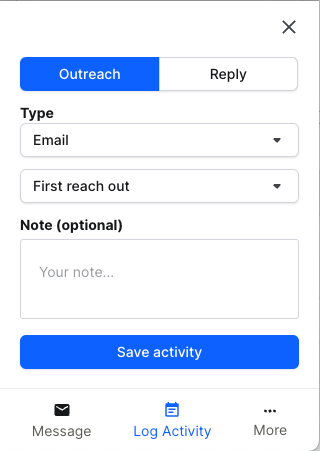
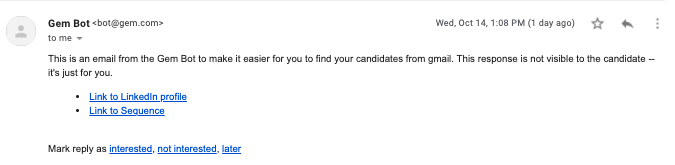
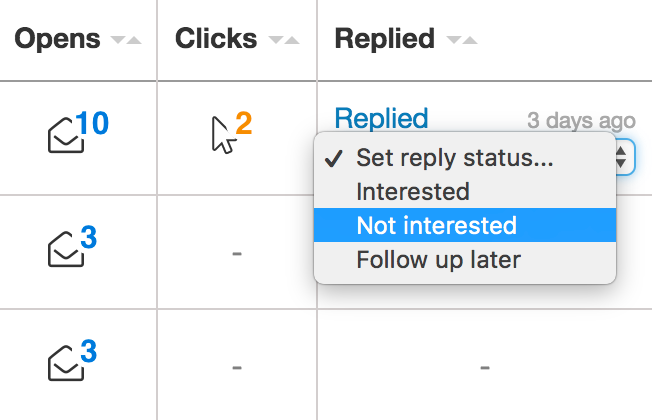
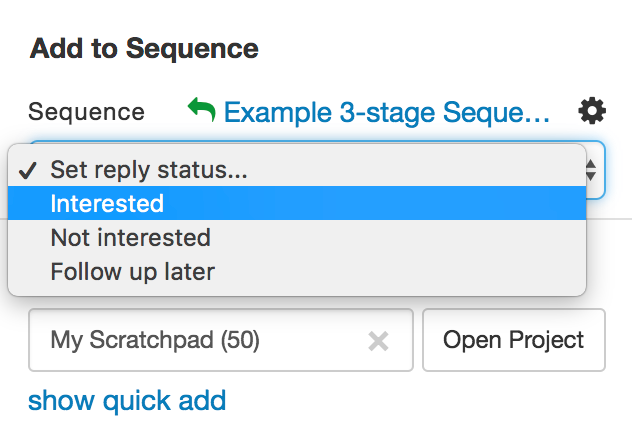
Viewed on Linkedin: number of candidate profile pages that were viewed on LinkedIn during the selected time period. This counts unique profile views, so going to the same candidate’s profile page multiple times will not increase this number and only the first view will count. Gem users must have the Extension installed / signed in. Added to Gem: count of net new additions to the Gem CRM during the selected timeframe. Will not count profiles added to projects for the first time. First messages sent: count of first outreach to a prospect in the selected timeframe. Includes Stage 1 of sequences. • First messages count automatically as the first message of an outreach streak (60 days), OR if they are manually marked as a “first reach out”. Follow-ups sent: number of follow-up messages sent during the selected time period. This includes automatically sent messages for Stages 2 and up of Email Sequences and manually sent follow-up InMail Stages. Replies received: count of responses to unique outreach. This should match 1:1 with outreach sent, and a response. i.e. if there are multiple sequences sent to a candidate, only the one they actually respond to will count as a reply. Interested candidates: count of interested candidates. Interested is marked 3 ways: • Mark as interested from Email • Mark as interested in Sequences • Mark as interested in Extension Converted to process: prospect you reached out to in Gem converted to a candidate within 60 days of outreach, and has an application in the ATS you’re using with Gem.
• Visualization = Table view • Group by = team member • Group by = project, breakdown = DEI (gender, or R/E)