Step
Step 1: Create an Opportunity in Salesforce
Detailed Instructions for CSMs
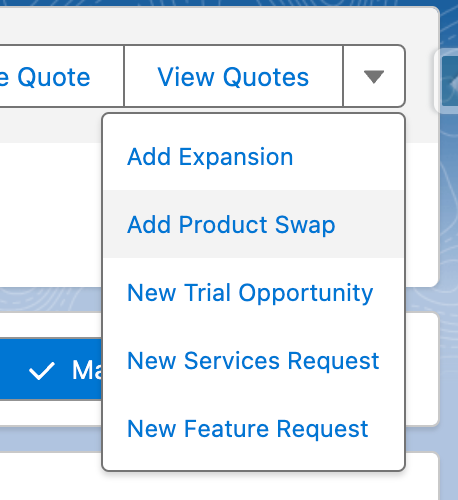
Look up account > Opportunities > select Current Term opportunity (Contract Start Date is before today and Contract Expiration Date is after today) that is CLOSED WON. Carrot dropdown > Add Product Swap Product Swap type will automatically set the following fields from the renewal opportunity Close date, Opportunity Type = Product Swap, and ‘$0 Product Swap Expansion Opp?’ field = TRUE Contract expiration date should be the upcoming renewal date (should be in 2023 or 2024).
Files